
- Package and account
- Payment
- Delivery
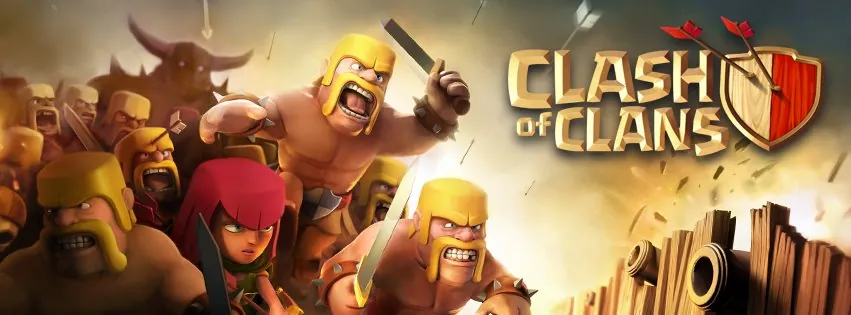

Clash of Clans top-up
About Gems
Gems speed up building, training and upgrades in Clash of Clans. The Gold Pass unlocks the season's reward track.
Category: Strategy. Platforms: Android and iOS.
Delivery
We credit the Gems to the account you enter. Delivery starts when your payment is confirmed. Typical time: usually 5 to 15 minutes.
You get an order page with live status. Read the delivery policy.
Paying
Pay by card (Visa, Mastercard) or in cryptocurrency. Card checkout is opening soon; cryptocurrency works today.
If we cannot deliver, you get a full refund. Read the refund policy.
Clash of Clans top-up questions
Where do I find my Player Tag?
- Open Clash of Clans
- Tap your player name/profile
- Your Player Tag starts with # (e.g. #ABC123XY)
- Copy it exactly including the # symbol
How long does a Clash of Clans top-up take?
Delivery starts as soon as your payment is confirmed. Typical delivery time for Clash of Clans: usually 5 to 15 minutes. Your order page shows the payment, processing and delivery status at every moment.
Do you need my Clash of Clans password?
No. We only need your Player Tag. Never share your password with anyone who claims to be GameBobo.
What if I enter the wrong Player Tag?
Contact support straight away with your order reference. If delivery has not started we can correct it. Once Gems has been credited to an account it cannot be taken back or moved.
Can I get a refund?
If we cannot deliver your order we refund the full amount to your original payment method. A top-up that has already been delivered cannot be refunded, because the currency is credited to the account immediately. The Refund and Cancellation Policy has the details.